Using a Computer – Utilizarea calculatorului
English Română
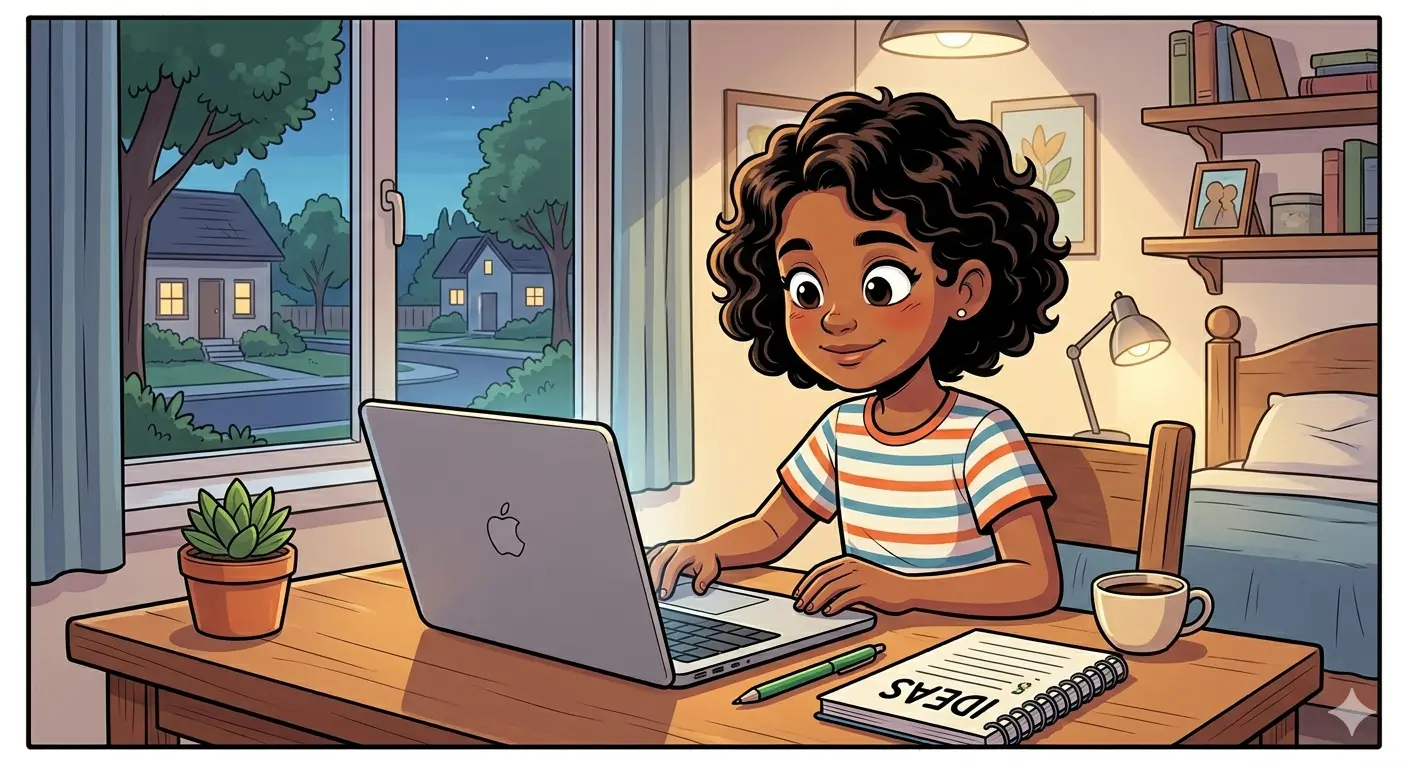
Diana sits down at her desk and presses the power button on her computer. The screen lights up and asks for her password. She types it in and waits for the desktop to appear.
Diana se așază la birou și apasă butonul de pornire al computerului. Ecranul se aprinde și îi cere parola. Ea o tastează și așteaptă să apară desktopul.
The first thing she does is check her email. There are five new messages waiting for her. She reads them one by one and answers the most important ones.
Primul lucru pe care îl face este să își verifice emailul. Sunt cinci mesaje noi care o așteaptă. Ea le citește pe rând și răspunde la cele mai importante.
Next she opens her web browser to search for information. She needs to find a good restaurant for a birthday party. She types the search words and looks at the results.
Apoi deschide browserul web să caute informații. Ea trebuie să găsească un restaurant bun pentru o petrecere de ziua de naștere. Ea tastează cuvintele de căutare și se uită la rezultate.
She clicks on a few restaurant websites and reads the menus. One place looks very nice and has good reviews. She writes down the address and phone number.
Ea dă click pe câteva site-uri de restaurante și citește meniurile. Un loc arată foarte frumos și are recenzii bune. Ea scrie adresa și numărul de telefon.
Suddenly the computer becomes very slow. The mouse moves with difficulty and programmes take a long time to open. Diana decides to restart the computer.
Dintr-o dată computerul devine foarte lent. Mouse-ul se mișcă cu dificultate și programele durează mult să se deschidă. Diana decide să repornească computerul.
After the restart everything works normally again. She opens a document and starts writing a letter to a friend. She uses a simple word processor and checks the spelling.
După repornire totul funcționează normal din nou. Ea deschide un document și începe să scrie o scrisoare unei prietene. Ea folosește un procesor de text simplu și verifică ortografia.
She saves the document on her desktop and sends it as an email attachment. She writes a short message and clicks the send button. The email arrives in a few seconds.
Ea salvează documentul pe desktop și îl trimite ca atașament la email. Ea scrie un mesaj scurt și apasă butonul de trimitere. Emailul ajunge în câteva secunde.
Diana notices that her computer needs more free space. She opens the file manager and looks for old files she can delete. She removes some large videos she no longer needs.
Diana observă că computerul ei are nevoie de mai mult spațiu liber. Ea deschide managerul de fișiere și caută fișiere vechi pe care le poate șterge. Ea elimină niște videoclipuri mari de care nu mai are nevoie.
She also checks for software updates and installs them. The computer asks her to restart again to complete the installation. This time the restart is quick and smooth.
Ea verifică și actualizările de software și le instalează. Computerul îi cere să repornească din nou pentru a finaliza instalarea. De data asta repornirea este rapidă și lină.
Before turning off the computer, Diana shuts down all programmes properly. She clicks the start menu and selects shut down. The screen goes dark and the computer turns off quietly.
Înainte de a opri computerul, Diana închide toate programele corect. Ea apasă meniul de start și selectează oprirea. Ecranul se întunecă și computerul se oprește liniștit.